AI Connect — Bring Your Own AI
Connect Claude, ChatGPT, and other AI clients directly to your portal via the Model Context Protocol. Your AI reads your CRM, drafts content, and builds pages — with scoped permissions and a human-in-the-loop approval step you control.
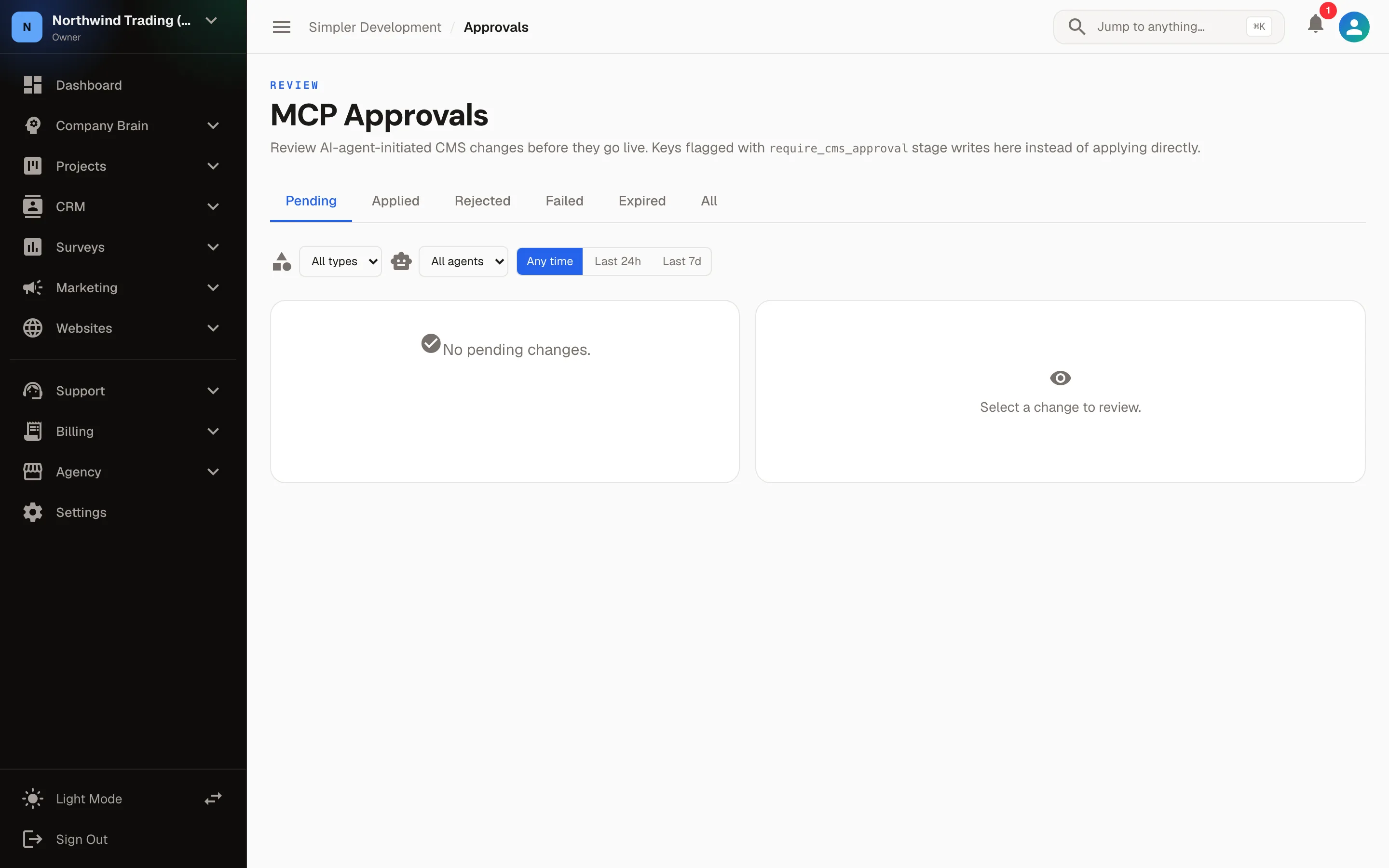
Approvals
Features
- Model Context Protocol (MCP) server built in
- Connect Claude Desktop, Claude Code & Claude.ai
- Connect Claude Desktop, Claude Code & Claude.ai today — plus ChatGPT where MCP connectors are available
- Scoped, permissioned API keys per client
- Bring-your-own AI provider keys (Anthropic & OpenAI)
- Approval workflow — AI proposes, you confirm
Why it helps
- Use the AI tools you already love with your business data
- No copy-paste between AI and your portal
- Granular control over what AI can see and do
- Future-proof — built on an open standard (MCP)
How it works
- 01
Generate an API Key
Create a scoped key from your portal with read, write, or approve permissions.
- 02
Connect Your AI Client
Add the portal as an MCP server in Claude, ChatGPT, or your tool of choice.
- 03
Grant Scoped Access
Decide exactly which tools and data your AI assistant can reach.
- 04
Let AI Do the Work
Your AI drafts content, updates the CRM, and builds pages — each change goes through your approval queue.
Ready to stop losing leads?
Everything your business needs to win and keep clients — in one place.