Publishing & Editorial Calendar
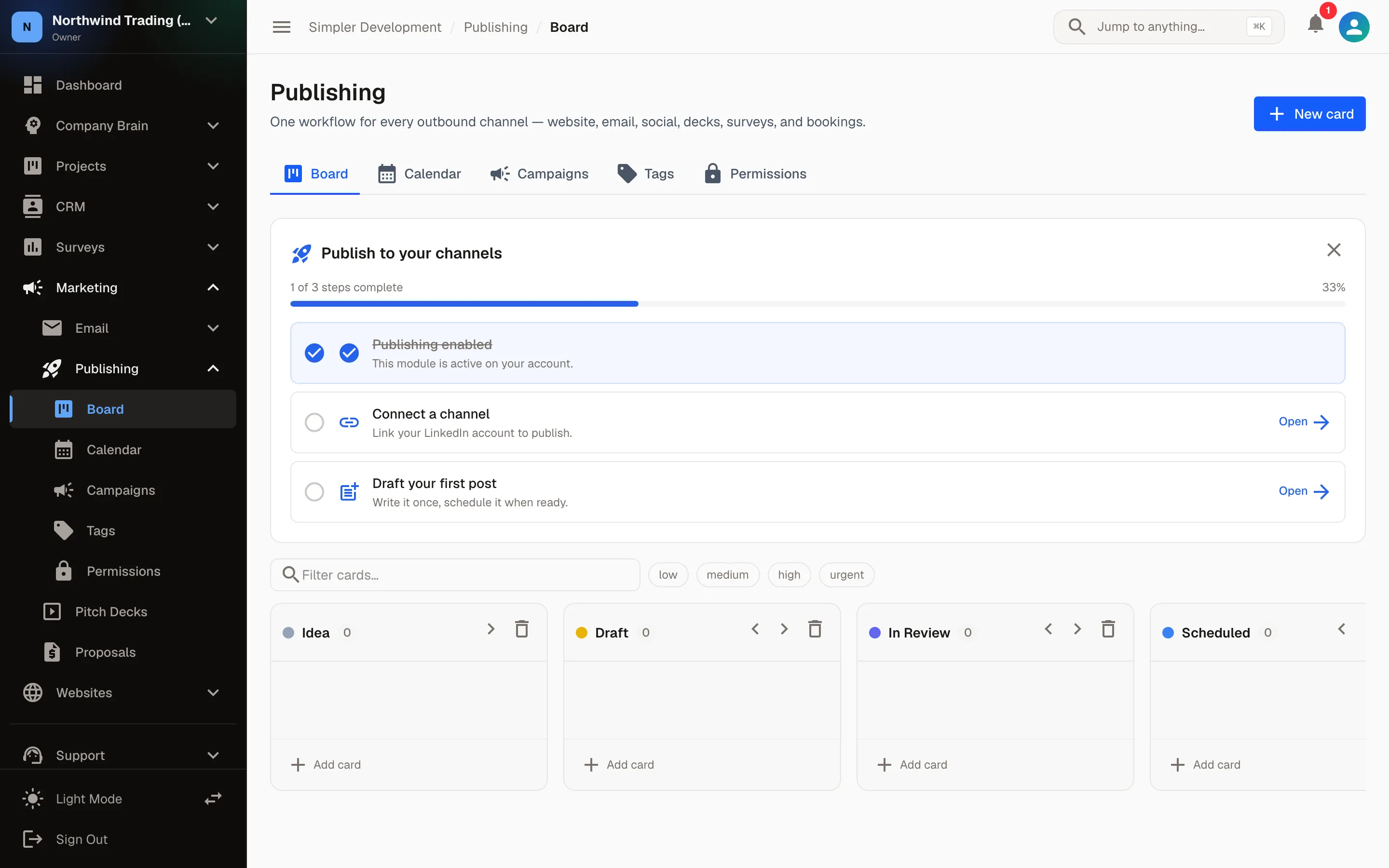
Run your editorial board and content calendar from one command center. A kanban board moves ideas through Draft → Review → Scheduled, campaigns group content by date range, and granular per-user permissions keep the right people in the right lanes.
Board
Features
- Editorial kanban: Idea → Draft → Review → Scheduled → Published
- Month & week content calendar views
- Campaigns that group content by date range
- Link any artifact — post, email, deck, survey, booking page
- Checklists, assignees, comments & due dates per card
- Granular per-user publishing permissions
Why it helps
- See your full content pipeline in one place
- Never miss a deadline or double-book a campaign
- Keep writers, designers, and approvers on the same board
- Connected to your CMS, email campaigns, decks, and surveys
How it works
- 01
Capture Ideas
Drop every content idea onto the board — blog posts, email campaigns, decks, and more.
- 02
Plan the Calendar
Schedule cards, group them into campaigns, and see your whole month at a glance.
- 03
Move It Forward
Assign owners, add checklists, and advance cards through review to scheduled.
- 04
Publish & Track
Ship content and watch each piece land on the published lane.
Ready to stop losing leads?
Everything your business needs to win and keep clients — in one place.