Shared Inbox & Support Tickets
A structured support queue with SLA deadlines, staff assignment, and internal notes — so every customer request stays on track and nothing slips through the cracks.
Tickets
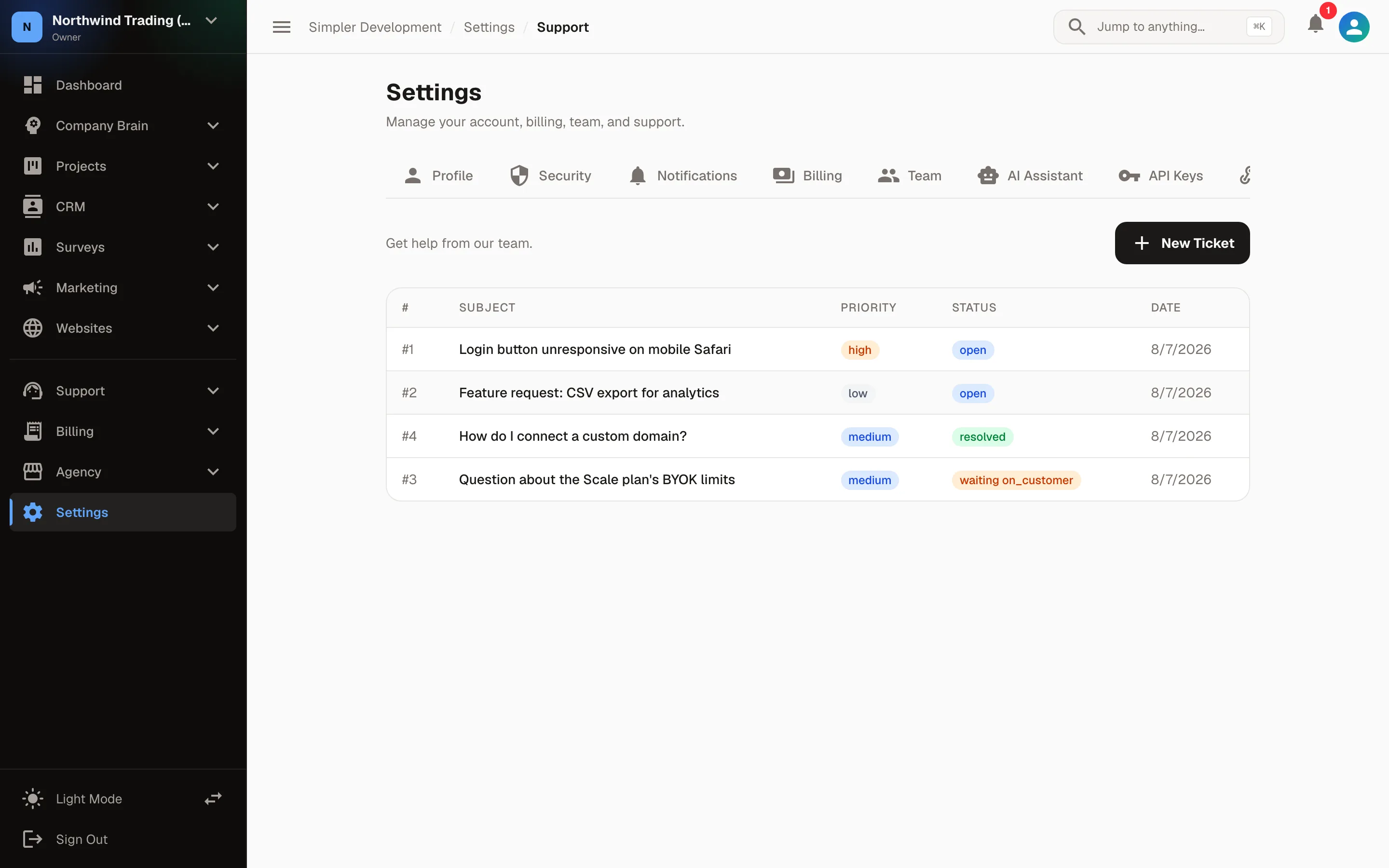
Features
- Shared team inbox for all support conversations
- Conversation status: open, assigned & closed
- Support tickets with priority, category & SLA
- SLA countdown badges for first response & resolution
- Internal notes (hidden from clients)
- Assign to teammates & flag overdue tickets
Why it helps
- Answer every customer from one shared queue
- Never let a conversation or ticket slip through the cracks
- Hit your response targets with visible SLA tracking
- Keep internal discussion separate from client replies
How it works
- 01
Open a Ticket
Create structured tickets for incoming requests and set priority, category, and SLA.
- 02
Assign & Respond
Claim a ticket, add internal notes for the team, and reply to the client — all in one place.
- 03
Track Deadlines
SLA countdown badges stay visible until first response and resolution deadlines are met.
- 04
Close & Follow Up
Mark tickets resolved and keep the conversation thread for future reference.
Ready to stop losing leads?
Everything your business needs to win and keep clients — in one place.